Begin with a story prompt
Describe the characters, setting, and moment you want to see. Your prompt guides the comic episode Manga Gen creates.
 Manga Gen
Turn a story prompt into illustrated comic pages. Create a cast of characters, choose a visual style, and bring your manga, manhwa, manhua, seinen, or comic idea to life with Manga Gen's AI manga and comic maker for iPhone.
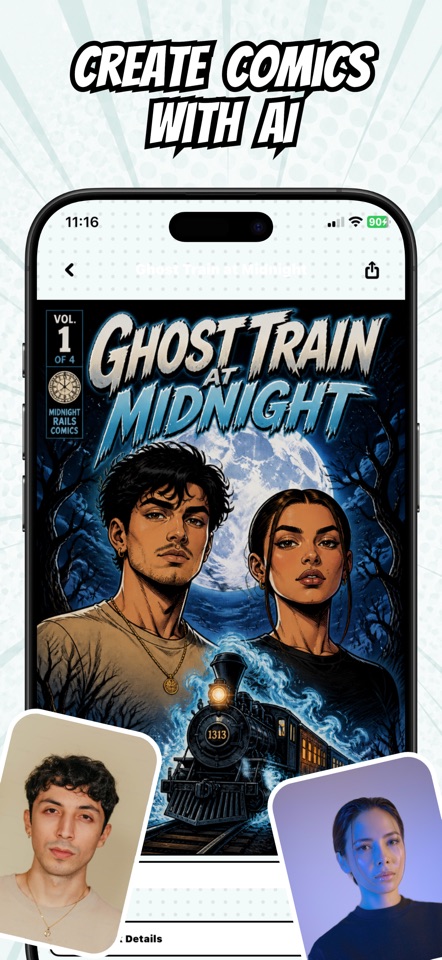
Manga Gen is an AI manga and comic creator for iPhone and iPad. Turn a written story prompt into illustrated pages, add character personas, choose a visual style, and export a comic as a PDF. It is a creation app for original stories, not a manga reader or catalog of licensed titles.
Manga Gen is an AI comic creator app for people with a story to tell. Start with a written prompt, add character personas, choose from manga, manhua, manhwa, seinen, or comic styles, and create illustrated pages on iPhone or iPad. It can help you develop an original manga, manhwa, comic book, or graphic story without drawing every page yourself.
Describe the characters, setting, and moment you want to see. Your prompt guides the comic episode Manga Gen creates.
Add personas to your cast and bring character references into the creative process for more personal stories.
Pick a visual direction, story language, and page count to guide the manga or comic you want to make.
Explore the creation flow and the kinds of AI-generated manga art you can make in the app.
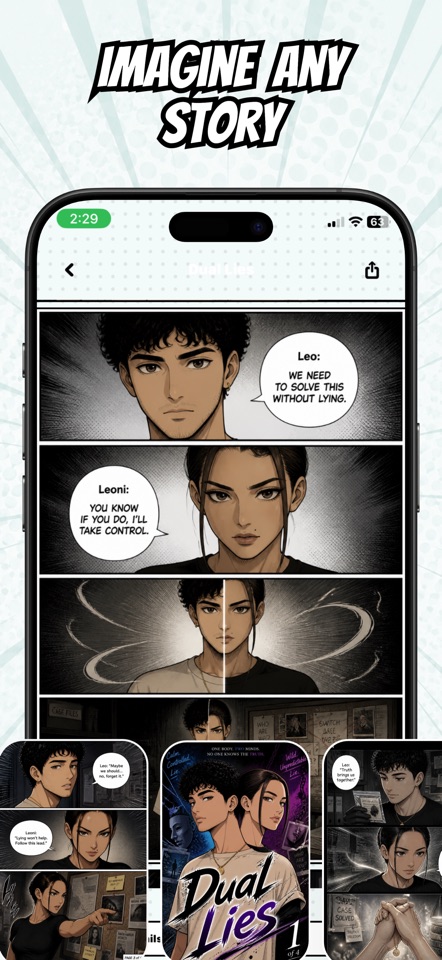
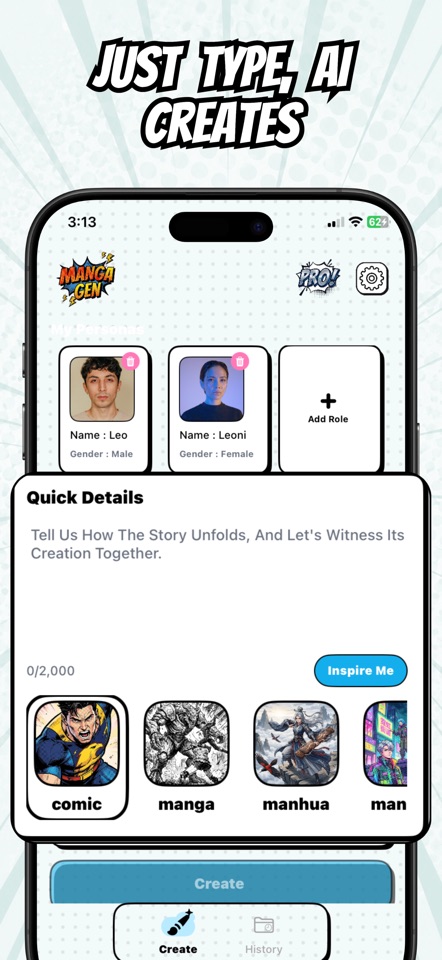
Write a prompt about the scene or episode you want to create, then choose the story settings.
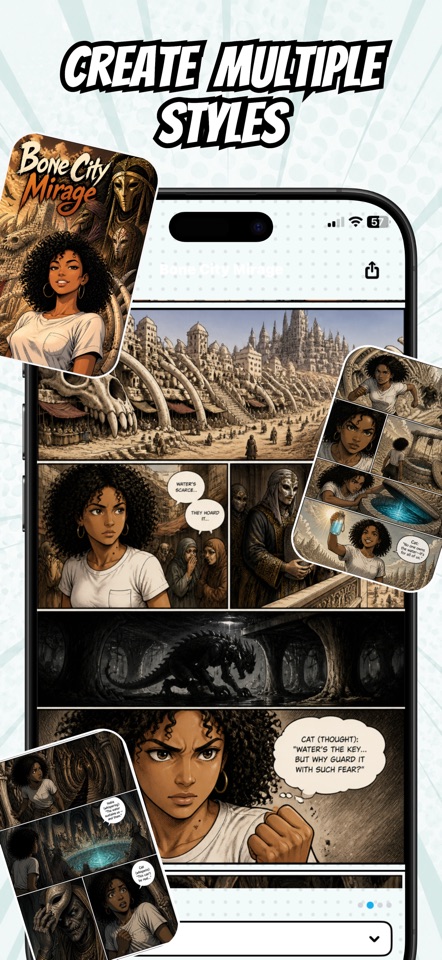
Add personas and choose the style, language, and number of pages for your comic.
Make your comic, revisit it in your library, edit pages, and share your creation.
Download Manga Gen and turn the characters and worlds you imagine into AI-generated manga and comic pages.
Guides for turning story ideas into AI manga and comic pages on iPhone and iPad.
A practical guide to making AI manga in Manga Gen: plan a scene, add personas, write a prompt, choose a style, review pages, and export your comic.
Eight original AI manga prompts for mystery, fantasy, comedy, slice of life, and more, plus a reusable prompt structure and practical revision tips.
Worked example: turn a short story prompt into AI comic pages on iPhone with Manga Gen, review the episode, and export a comic book PDF.
Plan an AI manga cast with personas, clear visual details, and practical story prompts in Manga Gen for iPhone.
Manga Gen is an iOS app for creating AI-generated manga and comics from written prompts. You can add characters, choose a visual style, generate pages, and keep your creations in your library.
Manga Gen is a creation app, not a catalog for reading licensed manga. It helps you make original stories and comic pages from your ideas.
No drawing experience is needed to create a story from a text prompt. You guide the idea and creative settings, and the app generates illustrated comic pages.
Yes. You can add personas to use as characters in your stories, including optional character images as described in the app.
Manga Gen is available for iPhone and iPad on the App Store. View the Manga Gen App Store listing.
Yes. Describe a scene or episode in a story prompt, add personas, and select the art style, language, and page count. Manga Gen generates illustrated comic pages from those choices.
Manga Gen includes comic, manga, manhua, manhwa, and seinen style options. Select the style on the creation screen before generating your story.
Yes. Open a generated comic in the reader and use the PDF export option. Review the pages before exporting or sharing your comic.
Personas provide names and optional reference images for your characters. Restate their important traits in each new story prompt and review the generated pages; appearances can vary with AI generation.
Manga Gen uses generation credits and offers purchases in the app. Check the App Store listing and purchase screen for current plans, page packs, regional prices, and your available credits before generating.